
“Photoshop is not just a photo editing program. Recently, I found out that it’s also a good drawing program since it has many features. I’ve seen several videos where some artists consider it the best, but… is it really a good drawing program?”
Description
Adobe Photoshop is widely known as a photo editing software, but it is also a powerful tool for digital drawing and illustration. Over the years, it has become one of the most popular programs among professional artists due to its versatility and advanced features.
One of the main characteristics of Photoshop is its brush system, which allows users to customize brushes in many ways, such as shape, texture, opacity, and pressure sensitivity. This makes it possible to create different artistic styles, from simple sketches to highly detailed paintings.
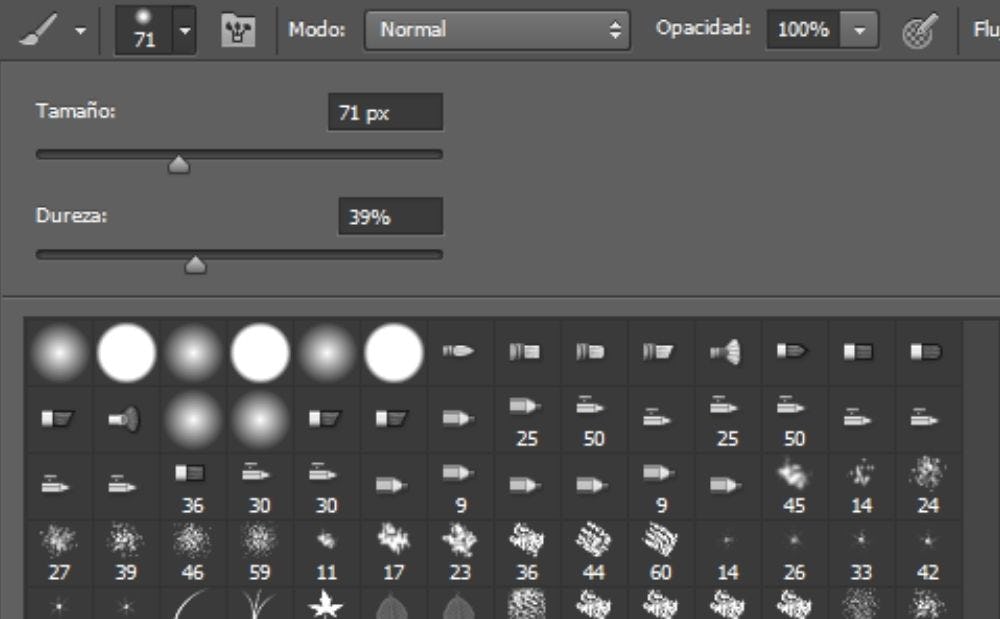
Another important feature is the layer system, which lets artists work in an organized and non-destructive way. You can separate elements, apply effects, and make changes without affecting the entire artwork. Photoshop also includes blending modes, filters, and color adjustment tools, which give artists more control over their final result.
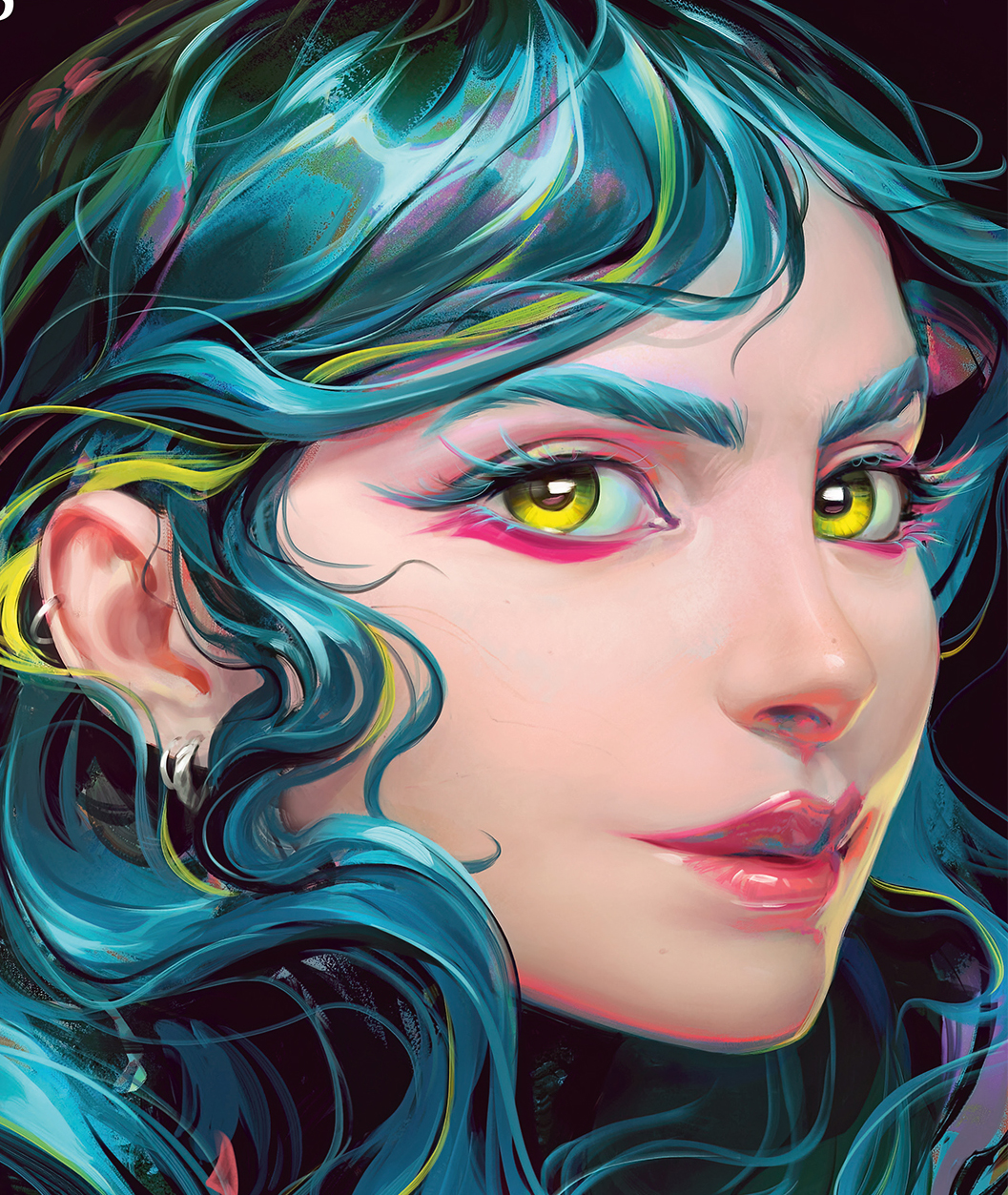
Additionally, Photoshop offers tools like selection tools, transform options, and stabilization features that help improve precision and workflow. It is also compatible with graphic tablets, making the drawing experience smoother and more natural.
Adobe Photoshop is a fundamental tool in the world of graphic design and digital editing, as it allows users to create, modify, and enhance images with great precision and creativity.
You can also draw if you already have experience with the program. It may have its downsides, but not all programs are bad, each one has its own flaws. We can’t all search for the perfect program; you are the one who makes it perfect.

