What is Webnode?
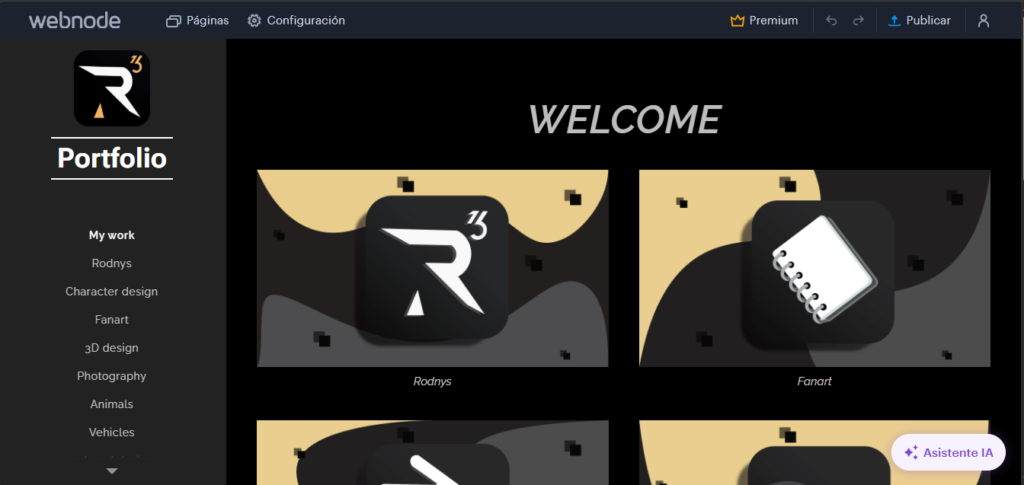
Webnode is another website where you can literally create your own webpage about anything you want to share. I usually use it for a new portfolio, because on this website (Hostinger) I can add more about my experiences and opinions, like a small blog, since I want to improve my projects across different platforms. I really like to explore and vary.
Main Tools of Webnode
1. Drag-and-drop editor
You can create your website without coding. Just drag elements like text, images, or buttons and place them wherever you want.
2. Pre-designed templates
It offers ready-made, modern, and responsive designs that you can customize to match your style or brand.
3. Page and menu creation
You can add multiple pages (home, portfolio, blog, contact, etc.) and organize them easily in a navigation menu.
4. Built-in blog
You can write posts, which is perfect for sharing experiences, opinions, or progress on your projects.
5. Online store (e-commerce)
You can sell products, add a shopping cart, set up payment methods, and manage orders.
6. Forms
Useful for contact sections (like “send me a message”), surveys, or collecting information.
7. Basic SEO tools
You can edit titles, descriptions, and URLs so your site can appear in search engines.
8. Multilingual support
You can create your site in multiple languages, which helps you reach a wider audience.
9. Domain and hosting included
You don’t need to hire external services, although you can also use your own custom domain.
10. Basic analytics
You can track visits and see how users interact with your website
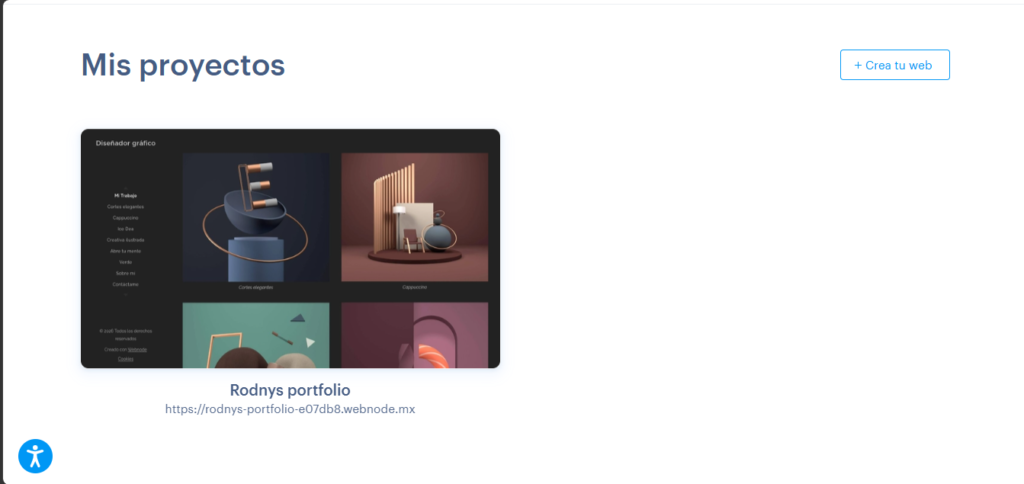
You can create your own website (I have it in Spanish here because it is my first language). Create your new website by selecting the (crear tu web) Create web option.
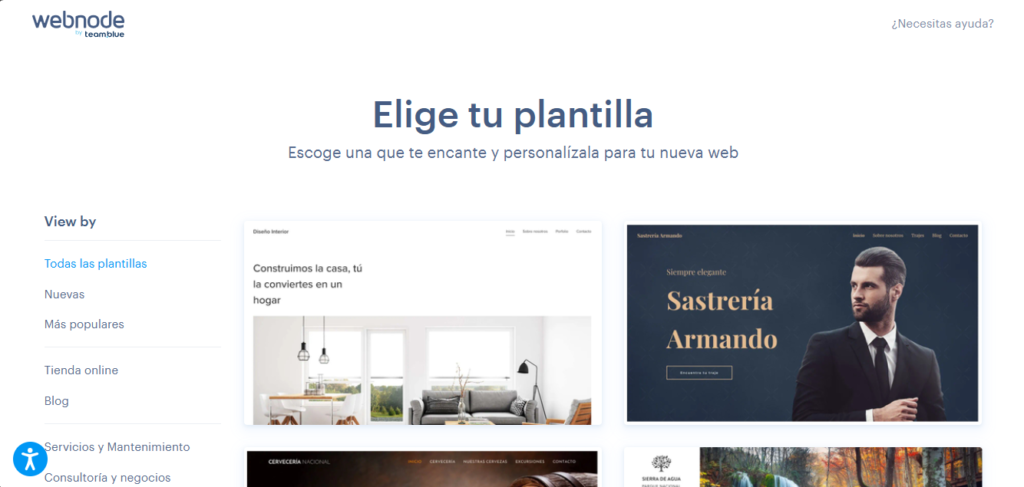
Once you’ve entered your website name, you can choose templates or create one using AI, but if I’m not mistaken, it costs money, and I prefer to design it my own way.
But before that, it will ask what you need it for and what you would like to do with it.
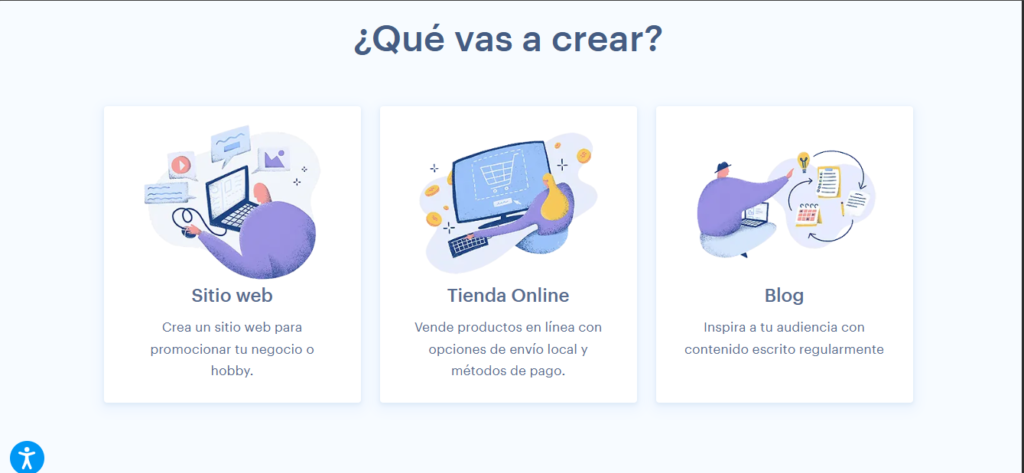
Once you’ve done everything and chosen your template, it’s time to get to work and customize it to your liking. (I’ll just tell you one thing:) if you want to add a background video or need more space, you’ll have to buy the premium plan. It can be a bit disappointing, but it helps the creators improve Webnode.
Conclusion
I really like Webnode a lot because it’s a simple, easy-to-use, and comfortable website builder. Even though it doesn’t compare to Hostinger, it can still help you create small and simple projects. I’m still working on it, and I like its tools, how easy it is to use, and the images and backgrounds it offers—you can also upload your own.
There are so many templates that it’s hard to choose just one because, to me, they all look very nice. I like their structure, and I highly recommend this platform. If you’re looking for something less complex and easy to use, Webnode can help you, especially if you’re just starting with a blog or a small online catalog.
Conclusion
Unfortunately, you can’t upload videos or animations, but you can include links instead.
I really like Webnode a lot because it’s a simple, easy-to-use, and comfortable website builder. Even though it doesn’t compare to Hostinger, it can still help you create small and simple projects. I’m still working on it, and I like its tools, how easy it is to use, and the images and backgrounds it offers—you can also upload your own.
There are so many templates that it’s hard to choose just one because, to me, they all look very nice. I like their structure, and I highly recommend this platform. If you’re looking for something less complex and easy to use, Webnode can help you, especially if you’re just starting with a blog or a small online catalog.
Unfortunately, you can’t upload videos or animations, but you can include links instead.